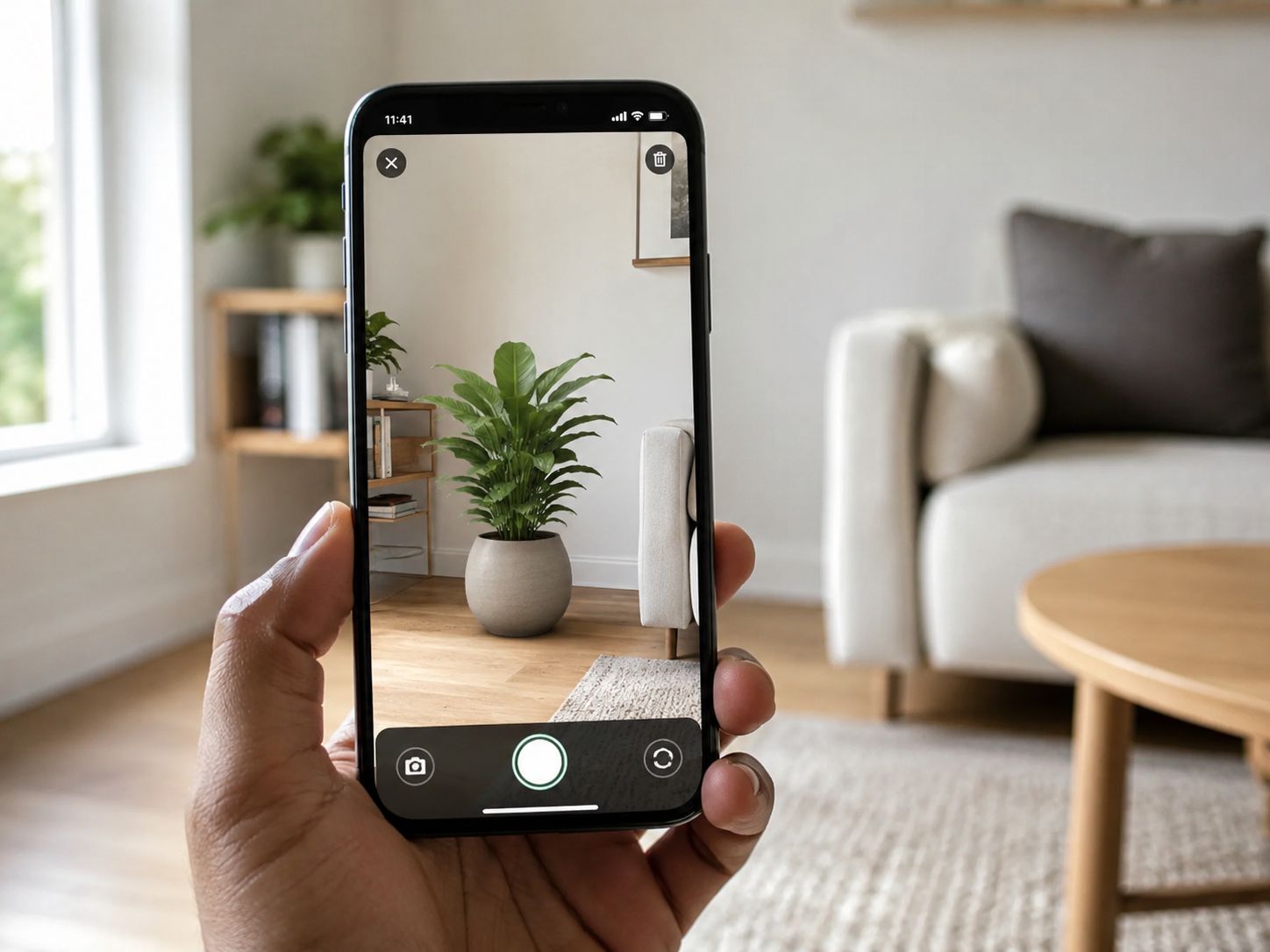
See It Before You Grow It
Ever bought a plant online and had it look nothing like you imagined once it arrived home? Or wondered if a tree would actually fit that empty corner of your yard?
Seedora just made that guessing game disappear.
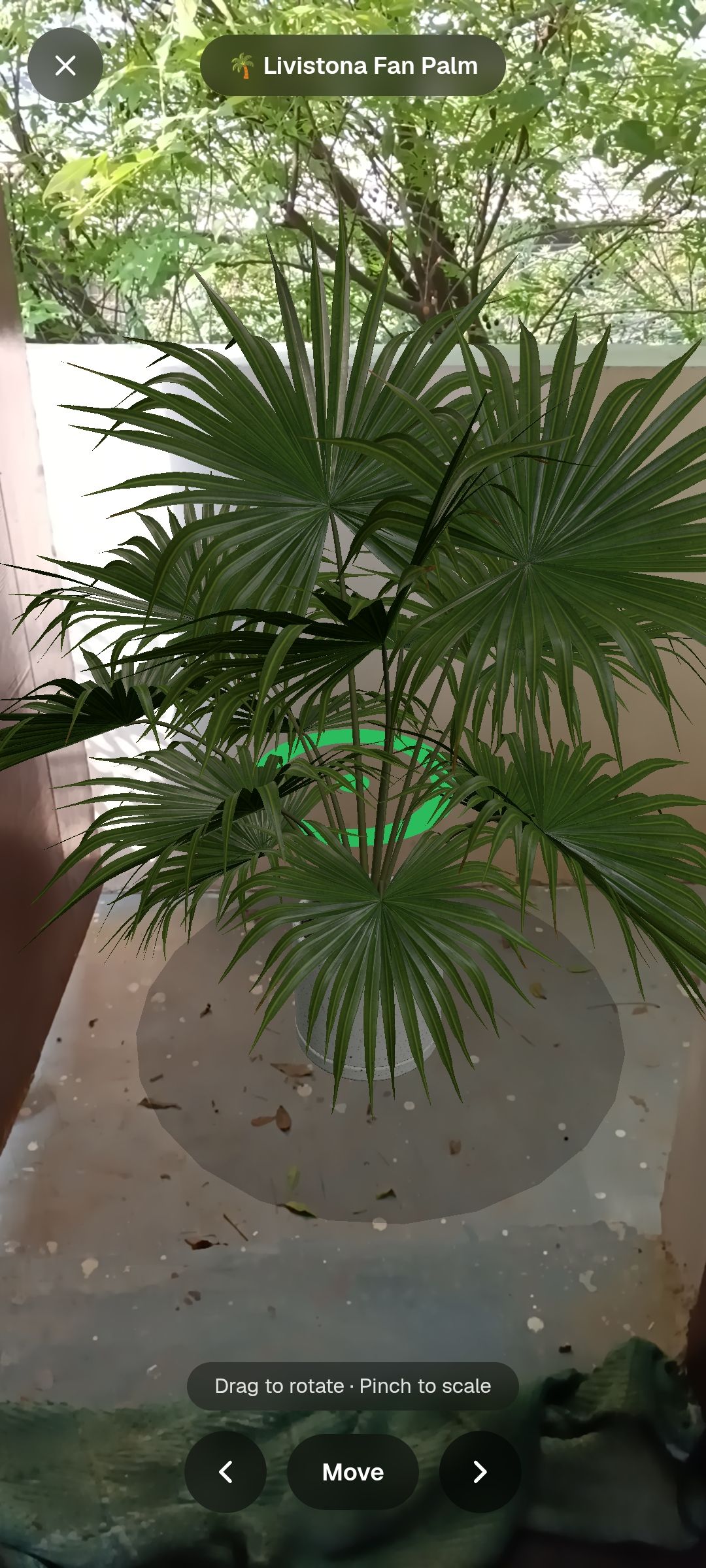
Our new AR feature lets you place a true-to-size 3D plant or tree right in your own room, balcony, or yard — using nothing but your phone camera. Move it around, spin it, and see exactly how it looks in your space, before you decide to buy anything.
How It Works
It's simple — no app download, no setup.
- Open Seedora on your phone.
- Tap the AR icon in the navigation bar.
- Browse the list of plants and trees available in AR.
- Pick one, then tap Place Object.
- Point your camera at the floor or ground — Seedora automatically finds the surface for you.
- Your plant appears right there, life-size, as if it were really standing in your space.
Move It, Rotate It, Make It Fit
Once your plant is placed, it's yours to play with:
- Drag to move it anywhere in the room
- Pinch to make it bigger or smaller
- Rotate to see it from every angle
Want to check if a small tree fits beside your front door? Curious how a tall indoor plant looks next to your sofa? Now you can just look and see.
No AR on Your Device? No Problem
Not every phone or laptop supports AR yet — Seedora's AR feature currently works on Android 10 and above. If your device doesn't support it, don't worry: you'll still see the same 3D plant right on your screen. You can pinch to zoom, and drag to rotate and explore it from every side — you just won't be pointing your camera at your actual room.
Either way, you get a real, clear look at the plant before you decide.
We're Just Getting Started
Right now, Seedora's AR library has a small starting set of plants and trees — and we're growing it every week. If there's a specific plant, flower, or tree you'd love to see in AR before buying, just contact us and let us know. We're adding new objects based on what our customers actually want to see.
Try It Today
Open Seedora on your phone, tap the AI icon in the navbar, and place your first plant. It only takes a few seconds — and you'll never have to guess how a plant looks in your home again.
Seedora Store — see it, place it, then grow it.